Understanding the Essence of Murugan Imagery
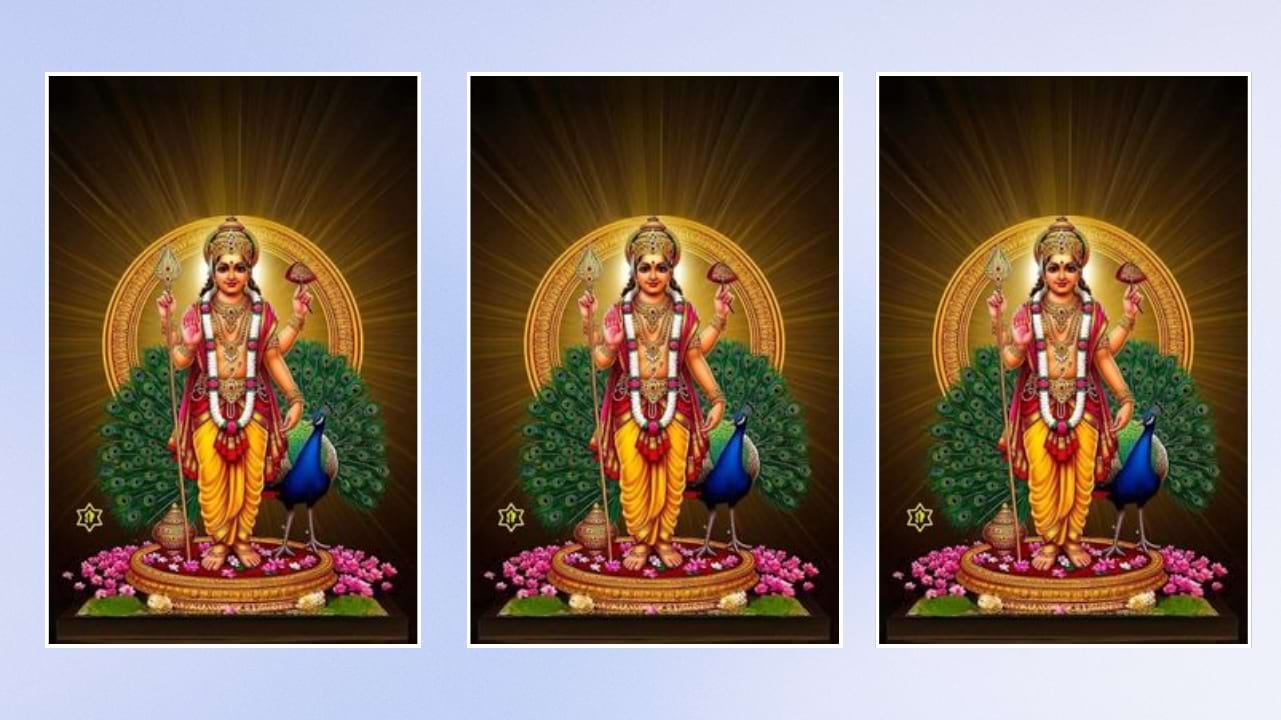
Before starting any edit, it is important to understand the symbolism associated with Lord Murugan. Elements like the Vel, peacock, mountains, and divine aura represent power, wisdom, and protection. Incorporating these elements into your edits helps create a more authentic and spiritually rich composition.
Choosing the Right Base Image
The foundation of a great Murugan photo edit is a high-quality base image. Select a clear portrait with good lighting and a calm expression. A natural pose works best because it allows the divine elements to blend smoothly without looking artificial or over-edited.
Background Selection for a Divine Look
A strong background plays a major role in enhancing the final output. Choose scenic backdrops such as temples, mountains, skies with golden light, or cosmic environments. These backgrounds help create a celestial atmosphere that aligns with the spiritual theme of Murugan.
Adding Divine Lighting Effects
Lighting is one of the most important aspects of Murugan photo editing. Use soft golden glows, sun rays, or halo effects to give a divine presence. Subtle lighting adjustments can make the subject look blessed and spiritually elevated without overpowering the image.
Incorporating Sacred Elements
To make your edit stand out, include sacred elements such as the Vel, peacock feathers, or divine ornaments. These additions should be placed carefully so they complement the subject rather than distract from it. Proper blending and shadow adjustments help maintain realism.
Color Grading for a Spiritual Mood
Color grading defines the emotional tone of your edit. Warm tones like gold, orange, and red often work best for Murugan-themed designs. These colors symbolize energy, devotion, and divinity, enhancing the overall impact of the image.
Using Editing Apps and Tools Effectively
Popular editing tools like Photoshop, Lightroom, PicsArt, and mobile apps provide powerful features to create professional-quality Murugan edits. Understanding layers, blending modes, and masking techniques can significantly improve your editing skills and final results.
Maintaining Natural Look and Balance
While adding effects is important, maintaining a natural look is equally crucial. Avoid excessive filters or over-sharpening. The goal is to create a divine transformation that still feels realistic and visually pleasing.
Creative Ideas for Unique Murugan Edits
You can experiment with different concepts such as cinematic portraits, devotional scenes, or fantasy-style compositions. Creating a scene where you are receiving blessings from Lord Murugan or standing in a temple environment can add emotional depth and uniqueness.
Final Touch and Export Quality
After completing the edit, focus on final adjustments like brightness, contrast, and sharpness. Export the image in high resolution to ensure clarity across different platforms. A well-polished Murugan photo edit not only looks professional but also leaves a lasting impression on viewers.
Prompt:
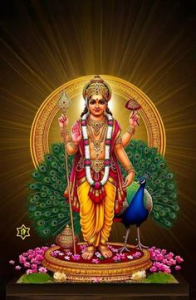
Generate a image, Create an ultra realistic, divine cinematic portrait featuring Lord Murugan A serene and sacred devotional scene.I am lying peacefully with my head resting on Lord Murugan’s lap.Lord Murugan is seated calmly, radiating divine compassion and protection. His expression is gentle and benevolent. One of His hands is softly placed on my head in a blessing gesture, conveying comfort, grace, and reassurance. His divine form glows with subtle golden light, symbolizing spiritual energy and calm. He wears traditional divine attire with sacred ornaments, vibhuti, and a vel (spear) resting beside Him. The environment is tranquil soft temple lighting, gentle incense smoke, and a peaceful spiritual atmosphere. The mood is deeply devotional, pure, and emotionally comforting. Ultra-realistic yet divine realism, soft focus, warm tones, natural shadows, no fear or intensity—only love, trust, and surrender. High detail, sacred art style, respectful religious depiction, no distortion, no exaggeration. If you want, I can: Make it more cinematic. Murugan should be same as picture. Aspect ratio 4:5. Keep person same as the picture.
Conclusion: Bringing Devotion into Digital Art
Murugan photo editing is more than just a creative process; it is a way to express devotion through digital art. By combining technical skills with spiritual elements, you can create meaningful and visually captivating images that resonate deeply with viewers.