Introduction to High Quality Instagram Uploads
Instagram is one of the most powerful platforms for sharing photos, but many users struggle with losing image quality after uploading. Whether you are a content creator, influencer, or casual user, maintaining high quality visuals is essential for engagement and growth. Understanding how Instagram compresses images and how to work around it can make a huge difference in how your photos appear.
Why Instagram Reduces Image Quality
Instagram automatically compresses images to save storage space and improve loading speed. This compression often results in blurry or pixelated photos, especially if the image size or format is not optimized. Knowing this limitation helps you prepare your photos in a way that minimizes quality loss.
Choosing the Right Image Resolution
Uploading images with the correct resolution is key to maintaining clarity. The ideal size for Instagram posts is 1080 pixels wide. If your image is too large, Instagram will compress it heavily, and if it is too small, it may appear stretched or blurry. Proper resizing ensures your photos stay sharp and professional.
Using the Correct Aspect Ratio
Instagram supports different aspect ratios like square, portrait, and landscape. The recommended ratios are 1:1 for square, 4:5 for portrait, and 1.91:1 for landscape. Sticking to these ratios helps prevent unwanted cropping or compression, preserving the original quality of your image.
Saving Photos in the Best Format
File format plays a big role in image quality. JPEG is commonly used, but high-quality JPEGs with minimal compression are preferred. Avoid repeatedly editing and saving the same file, as it reduces quality over time. Always export your final image in high resolution before uploading.
Editing Photos Before Uploading
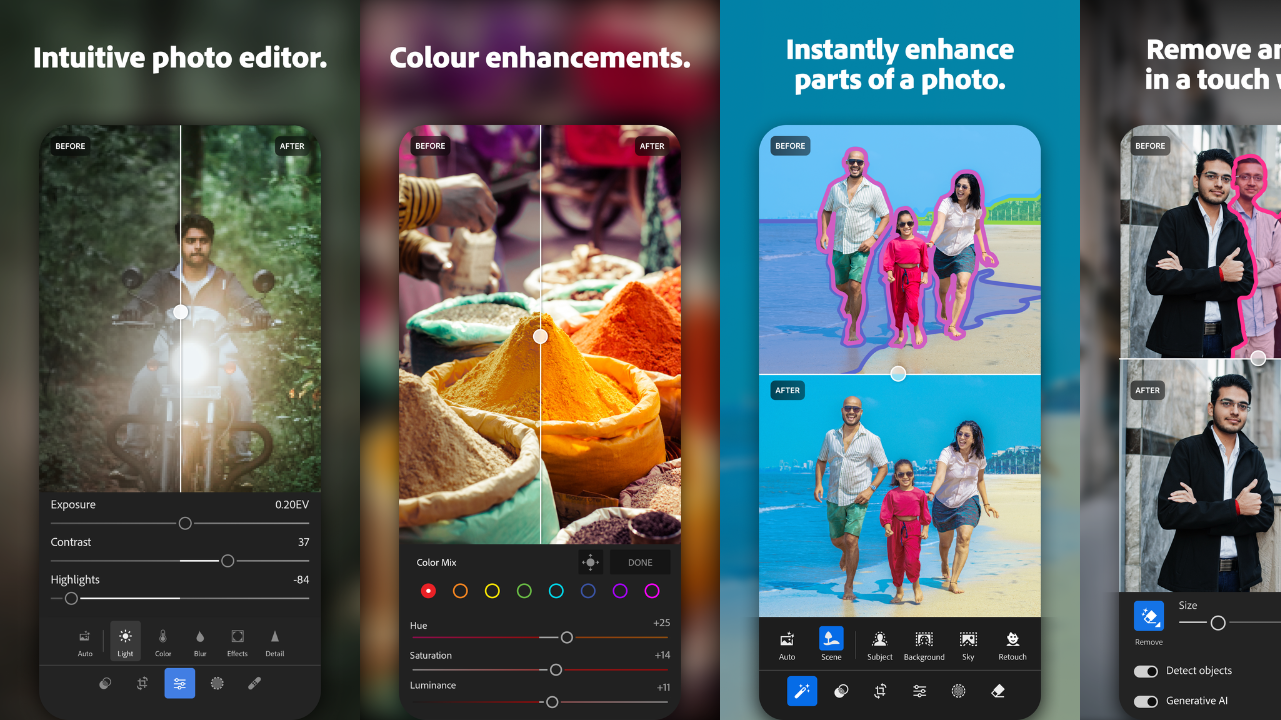
Editing apps can enhance your photos, but over-editing can reduce quality. Use tools that maintain high resolution and avoid excessive filters or sharpening. Subtle adjustments in brightness, contrast, and color can improve your photo without damaging its clarity.
Uploading Using High Quality Settings
Instagram has a built-in setting that allows high-quality uploads. Enabling this option ensures your photos are uploaded with better clarity. This setting is especially useful for users who frequently share professional or high-resolution images.
Importance of Internet Connection
A strong and stable internet connection helps maintain upload quality. When your connection is weak, Instagram may compress your image further to speed up the upload process. Using Wi-Fi instead of mobile data can significantly improve the final result.
Avoiding Screenshot Uploads
Uploading screenshots instead of original images can drastically reduce quality. Screenshots often have lower resolution and additional compression. Always upload the original file directly from your gallery to maintain the best possible clarity.
Using Professional Editing Tools
Advanced editing tools and software can help you prepare images perfectly for Instagram. These tools allow precise control over resolution, sharpness, and color grading, ensuring your photos look stunning even after compression.
Final Thoughts on Instagram Photo Quality
Maintaining high-quality photos on Instagram is all about preparation and understanding the platform’s limitations. By using the right resolution, format, and settings, you can significantly improve how your photos appear. Consistently applying these techniques will help you stand out and create visually appealing content that attracts more engagement.