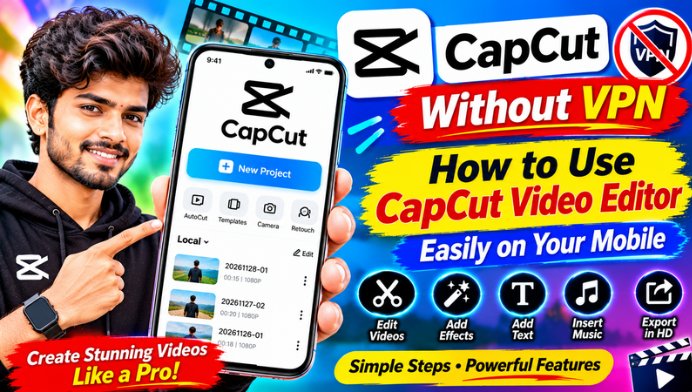
What Is CapCut Video Editor?
CapCut is a video editing application developed by ByteDance. It provides various features that help users edit videos professionally using their smartphones. Users can trim clips, add music, insert text, apply effects, adjust video speed, and create engaging content without requiring advanced editing knowledge.
Why Do Users Search for CapCut Without VPN?
Many users search for CapCut without VPN because they prefer accessing video editing applications directly without connecting to additional network services. VPN applications can sometimes reduce internet speed or create connection problems. Users want a convenient editing solution that works with their regular internet connection.
How to Use CapCut Without VPN
To use CapCut without a VPN, users should first check whether the application and its services are officially available in their region. If CapCut is supported, they can install it through an authorized app store or its official website. After installation, users can open the application, select their video clips, and begin editing without connecting to a VPN.
CapCut Video Editing Features
CapCut provides several useful video editing features, including trimming, splitting, merging, filters, transitions, animations, and background adjustments. Users can also add stickers, text overlays, sound effects, and music to improve their videos. These features make it easier to create attractive content for different social media platforms.
Create Instagram Reels and YouTube Shorts
Content creators can use CapCut to prepare short videos for Instagram Reels and YouTube Shorts. The application offers different aspect ratios and editing options that help users create vertical videos. By combining suitable transitions, background music, captions, and effects, users can make their videos more engaging.
Add Music, Effects and Transitions
Music and visual effects play an important role in video editing. CapCut allows users to add audio, adjust volume, apply filters, and use transitions between video clips. These tools help improve the overall appearance of videos and make ordinary recordings more interesting for viewers.
Is CapCut Without VPN Available in India?
Availability is an important consideration for Indian users. CapCut has faced restrictions in India, so downloading or accessing it may not be officially supported through regular channels. Using a VPN does not remove legal or regional restrictions. Users should check the latest official availability information and avoid unofficial APK files that may contain security risks.
Is CapCut Safe to Use?
Users should always download applications from trusted and authorized sources. Unofficial APK files and modified applications can expose personal information, damage devices, or introduce unwanted software. Before installing any video editor, users should review its permissions, privacy policy, and developer information to protect their smartphones.
Best Alternatives to CapCut
Users who cannot access CapCut can explore other video editing applications, such as VN Video Editor, InShot, Canva, and YouCut. These applications provide different editing tools, transitions, filters, music options, and video export features. Users can choose an alternative based on their editing requirements and device compatibility.
Final Words
CapCut Without VPN is a popular search topic among users who want to edit videos without depending on additional network applications. However, regional availability and official restrictions should always be considered. Users should choose authorized applications and trusted alternatives to create professional-looking videos safely and conveniently.